


Gambloria App
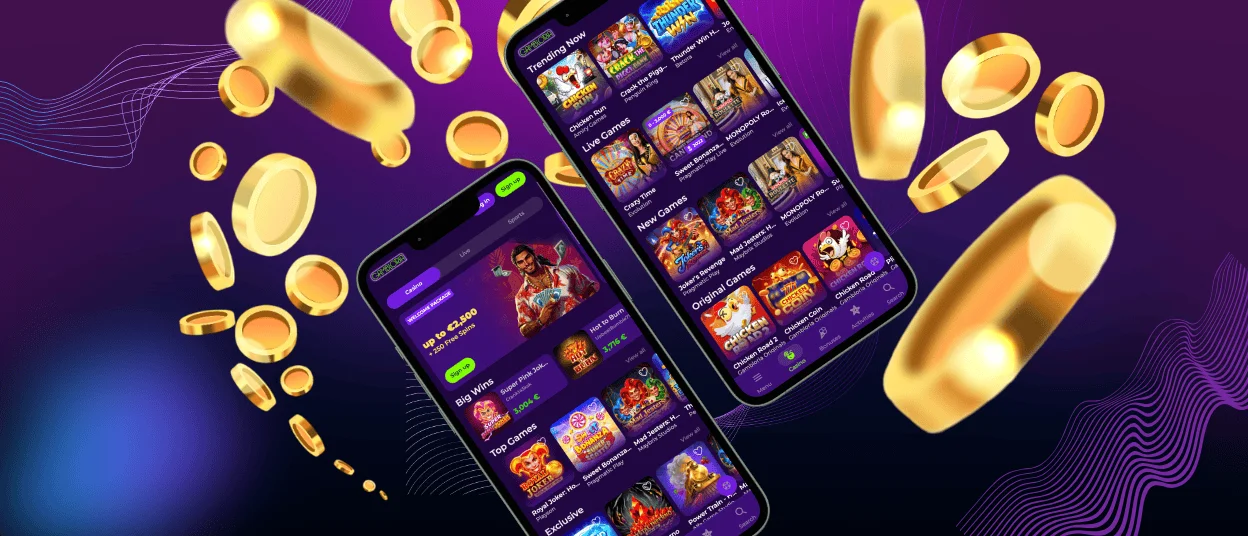
The Gambloria app gives you direct access to our casino from a mobile device, with the same account entry points available on the official website: “Log in” and “Sign up”. We keep the mobile platform focused on fast access to games and user tools, including the welcome package. The lobby includes online slots and live dealer titles. The mobile version also supports direct access to featured titles such as Crazy Time and Lightning Roulette.


Gambloria Casino Mobile
Gambloria Casino Mobile keeps the main gaming lobby available on a smaller screen while preserving quick access to slots and user tools. You move between devices without creating a separate profile. The mobile layout keeps the key sections nearby, including games, promotions, and account settings.
The mobile lobby opens directly in the browser, which makes shorter sessions easier to start from a phone or tablet. You can move between “Top Games” and promotional sections in a few taps without installing a desktop client.
Desktop play suits a larger game window and several user tabs open at the same time. Mobile access keeps navigation shorter and works well for faster sessions. Many users open the mobile version to check bonuses or update user settings away from a computer.
Gambloria Android Access
The Android version supports the same game categories available on desktop. Android users keep access to:
- online slots;
- live dealer titles;
- promotional pages;
- account settings.
To place the Gambloria app on an Android device, open the website in Chrome and use the “Add to Home Screen” option from the browser menu.
You can open online slots and promotional pages from one session. The lobby also keeps access to recent games and active offers connected to your Gambloria profile.
Game loading on Android stays close to the desktop version because the mobile platform uses the same browser-based structure. Live casino tables also keep vertical-screen support, which helps during shorter sessions on a phone.
If you need help while using the Gambloria app, the Support Team and live chat stay available through the website navigation.
Android users can also save the Gambloria app directly from the device navigation menu. After adding the PWA version to the home screen, the casino opens in a separate app window without using a standard browser tab.
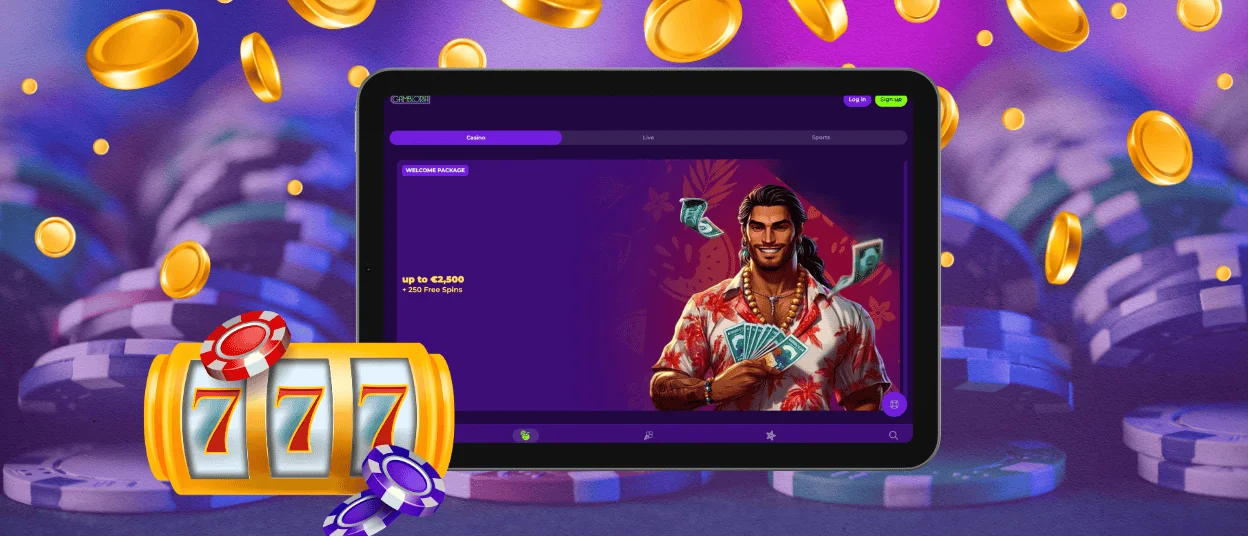
Gambloria Casino on iPhone and iPad
The Gambloria app on iPhone and iPad works through the mobile browser version of the website. iOS users keep access to the casino lobby and live chat from the same mobile interface used on desktop devices.
The mobile layout keeps the main categories visible in the header, so you can switch between games and account sections without reopening the navigation menu. Featured titles appear directly on the homepage, including releases from Pragmatic Play, BGaming, Playson, and Evolution.
Many players use the iOS version to continue sessions already opened on desktop. The same Gambloria login also keeps tournament activity and recent game history connected to one profile across devices.
You can add the Gambloria app to the iPhone or iPad home screen through Safari. The PWA version opens directly from the device screen and gives faster access to the casino lobby and recent sessions.
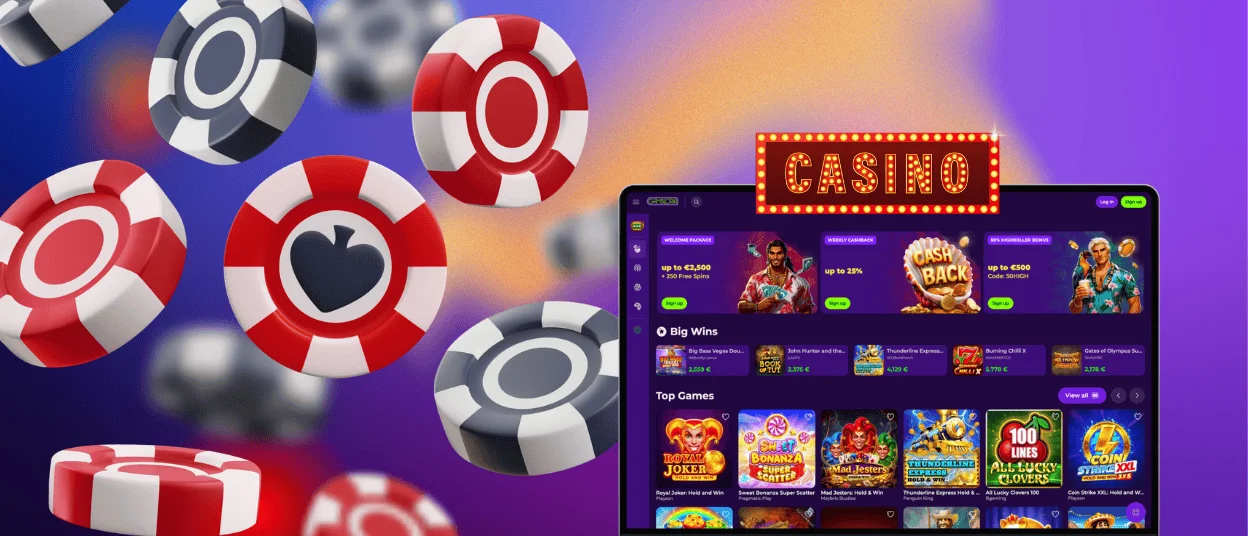
Desktop Casino Access for Windows and macOS
Gambloria keeps desktop access available through the browser version of the website on Windows and macOS devices. The larger screen changes how the gaming lobby feels in daily use. More sections stay visible at the same time, which helps when you move between live casino tables and payment tools during one session.
Desktop sessions often include:
- live casino tables;
- payment history;
- tournament pages;
- account settings.
Desktop play works better with games that use extended interfaces. Live casino titles benefit from the wider layout because game controls and video streams remain visible together. Slot sessions also feel different on desktop when you open feature-heavy titles in full-screen mode.
The table below shows how access, synchronization, and the main usage format differ between Android, iPhone, Windows, and macOS devices.
| Device | How to Open Gambloria | How to Add It | What Changes for Use |
| Android | Open Gambloria in Chrome as a PWA | Use the browser menu and select “Add to Home Screen” | Gambloria opens from the phone screen without a separate APK. This suits quick slot sessions and returning to recent games. |
| iPhone & iPad | Open Gambloria in Safari as a PWA | Tap Share, then choose “Add to Home Screen” | The casino launches from the iOS home screen instead of a regular Safari tab. This helps with tournament checks and live casino sessions. |
| Windows | Open the official Gambloria website in Chrome, Edge, or Firefox | No installation step is needed | The desktop screen gives more space for live casino play, payments, and account management. |
| macOS | Open the official Gambloria website in Safari or Chrome | No installation step is needed | The larger layout suits longer sessions, full-screen play, and feature-heavy slots. |
FAQ
How do I update the Gambloria app?
The platform runs through the official website on Android and iOS devices. Updates apply through the website itself, so you continue using the latest version after reopening the casino mobile version in your browser.
Can I add Gambloria to my phone’s home screen?
Yes. You can save the mobile website to your Android or iPhone home screen from the browser menu. This gives you a direct shortcut to the gaming lobby and keeps access connected through the website.
What happens if I leave the Gambloria app open?
Gambloria keeps account security active during mobile use. If your session stays inactive, we ask you to log in again before you continue user actions or return to protected sections.
Will I stay logged in after closing the mobile browser?
The mobile browser can keep part of your previous session after you close the casino tab. In some cases, the platform asks you to log in again before opening account settings or other protected sections.


